Appearance
MACAT procedures can be shared between instances
Saving Individual Procedures
From the Procedures Library page, clicking the download icon will allow you to save procedure TOML files to disk. Note that if you're saving an Atomic Red Team procedure, it will show an additional menu asking if you want to save it in the Atomic Red Team YAML format or MACAT's TOML format.
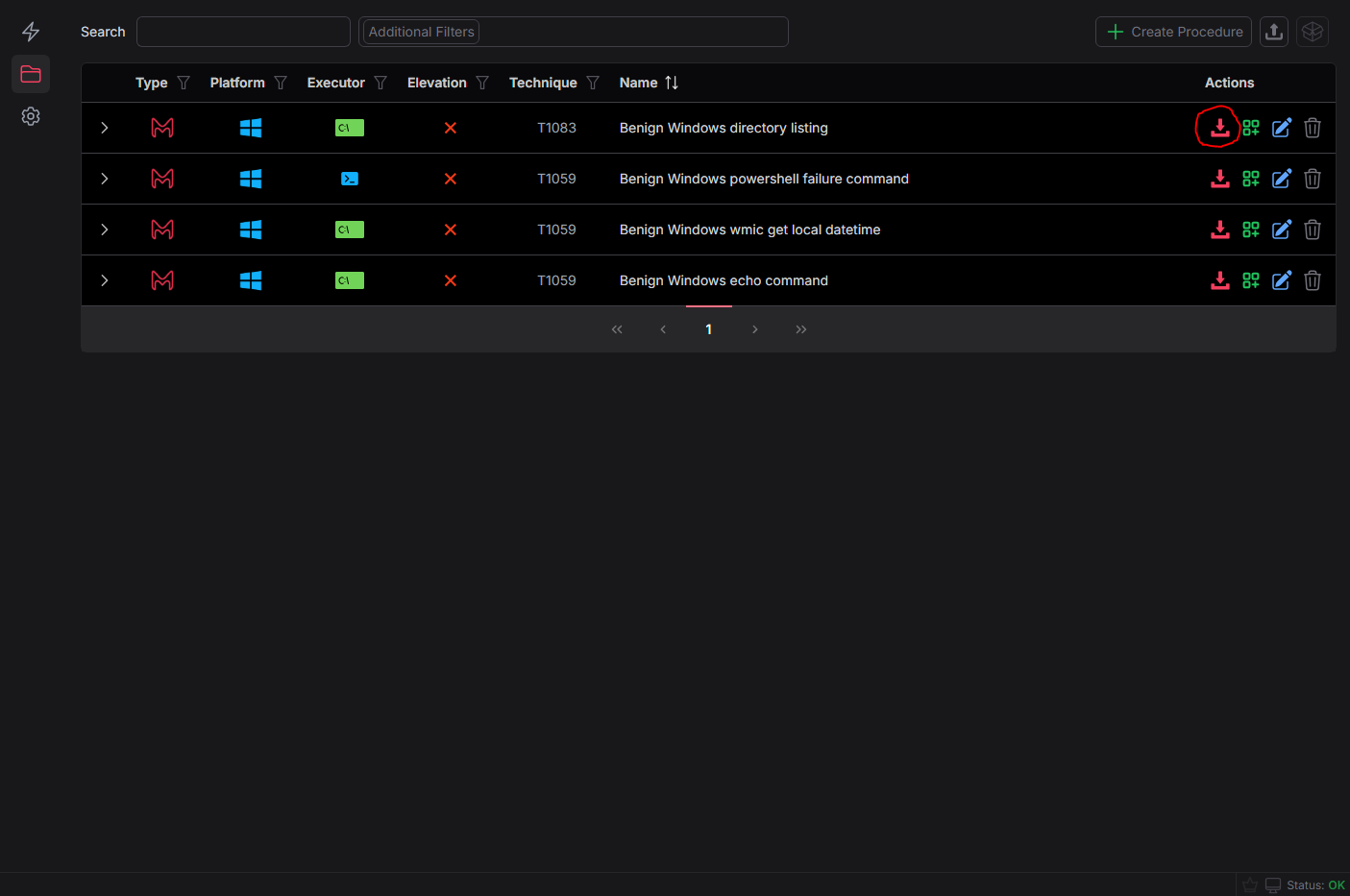
If a procedure has file dependencies, it will be saved as an MCZ archive (.mcz) — a tar.xz archive containing the procedure TOML, a manifest, and the associated files. See the MACATable TOML Format reference for details.
Bulk Saving Procedures
Bulk sharing procedures requires adding them to a list, similar to a shopping cart on an e-commerce site. From the procedures library page, click the green
Add to Bulk Procedure Exporticon next to the individual procedure download icon.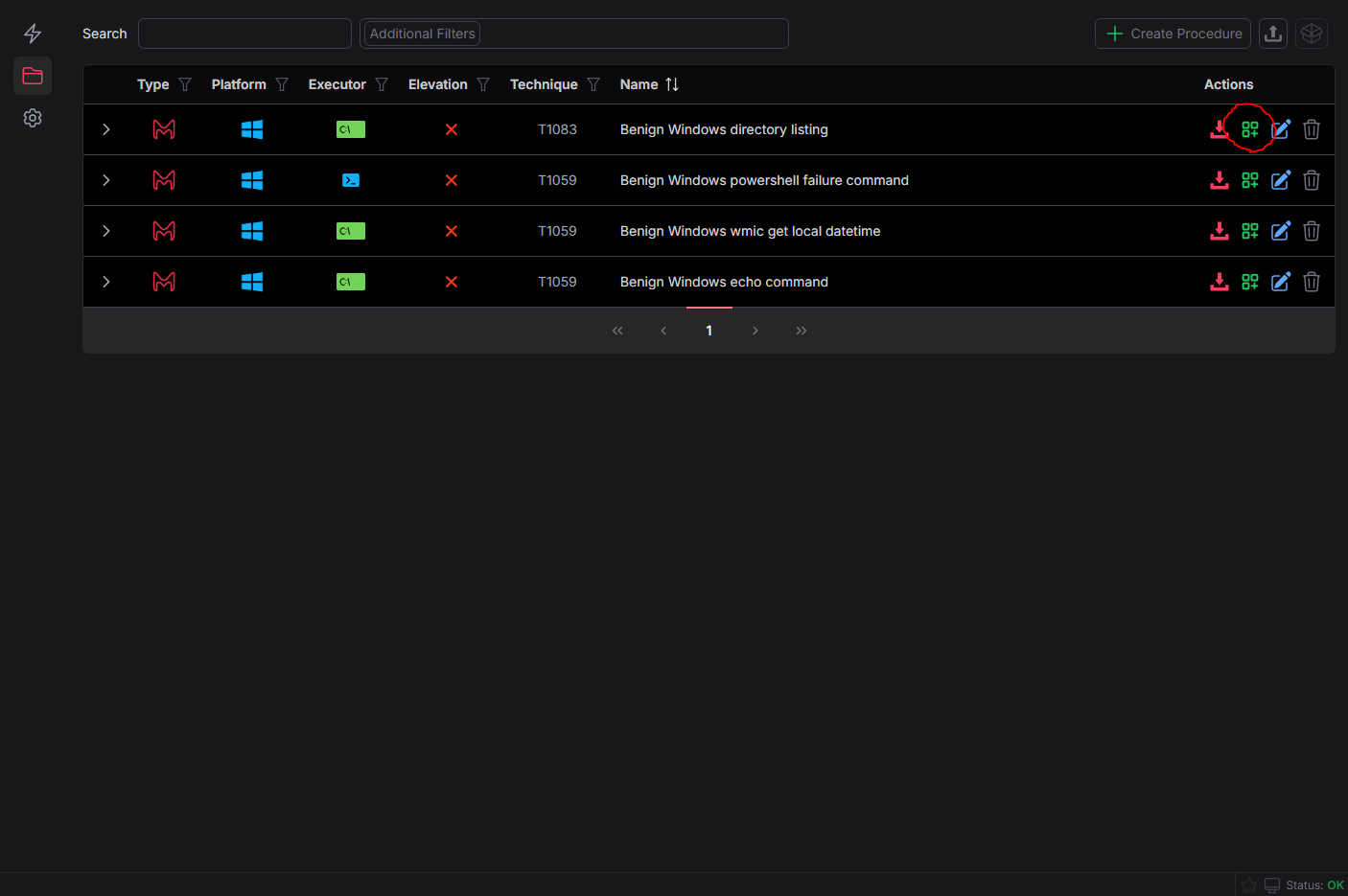
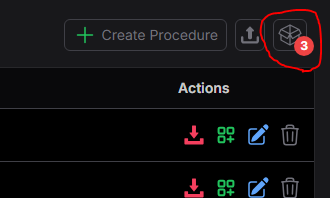
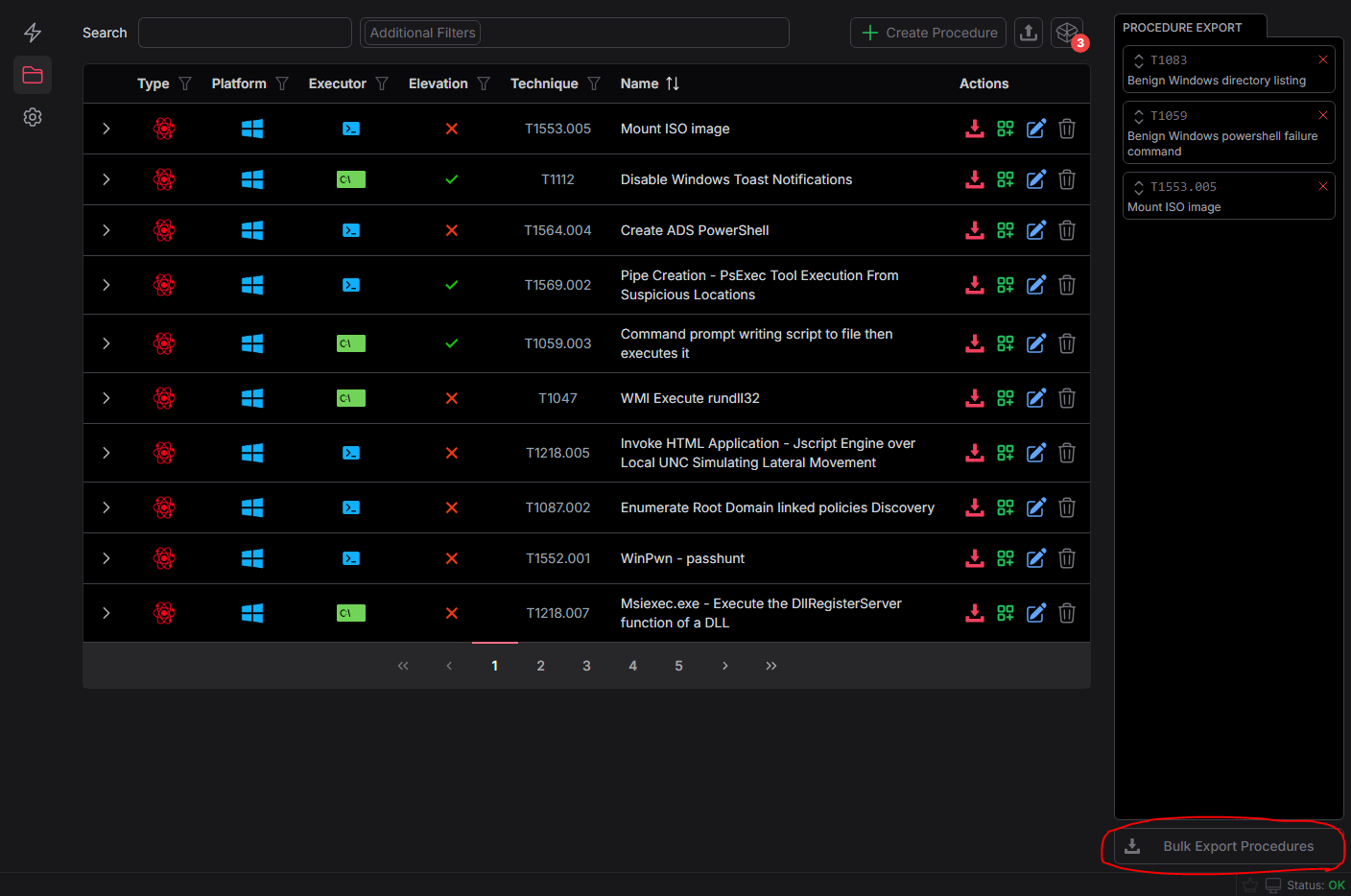
As you add procedures, you'll see a number in the Bulk Procedure List Icon tracking how many procedures are in your current bulk export list
Clicking the Bulk Procedure List icon in the top right will show all the current procedures you're preparing to bulk export
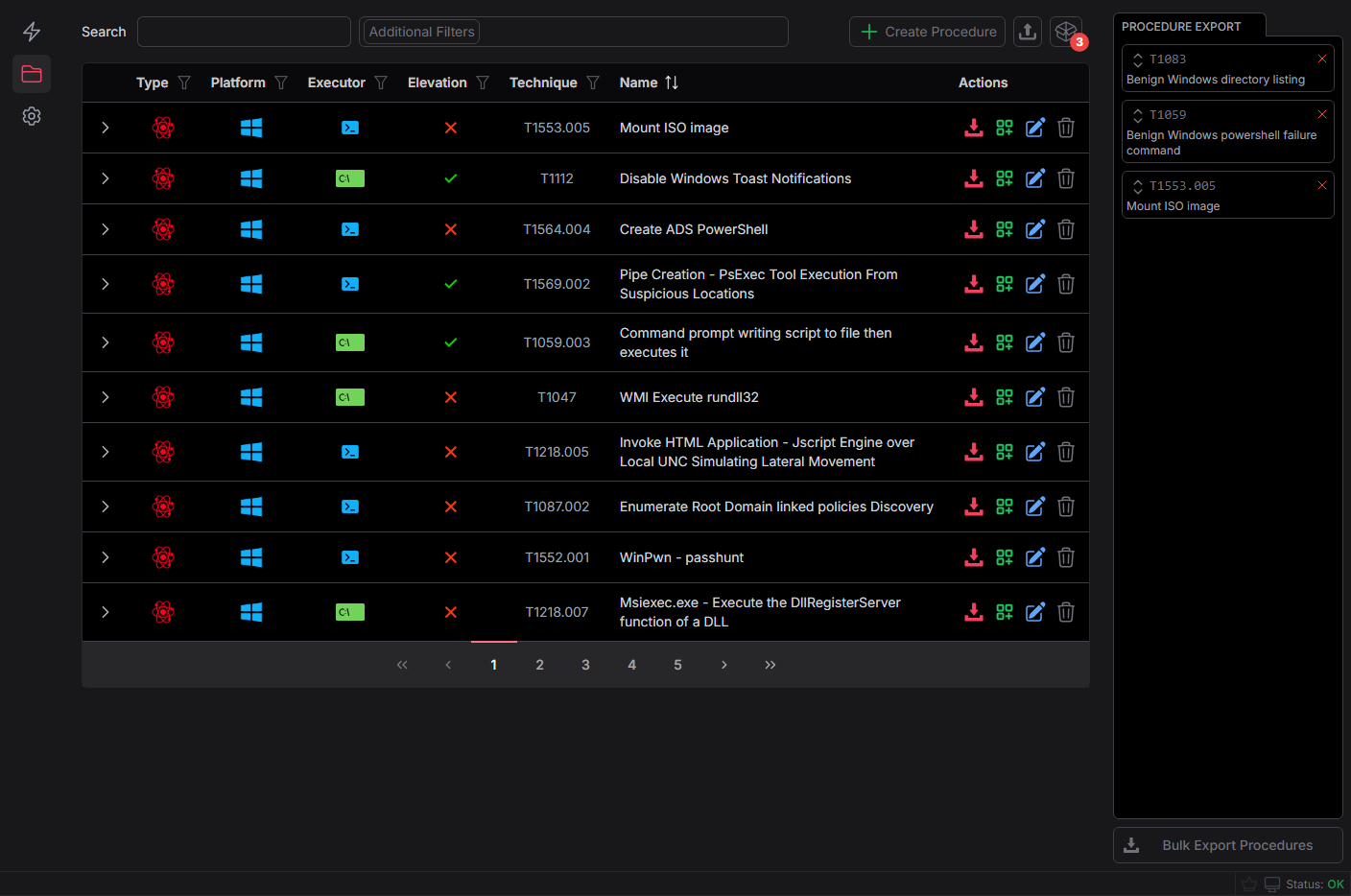
You can then export these to a file which will clear the bulk export list on success
Loading Procedures
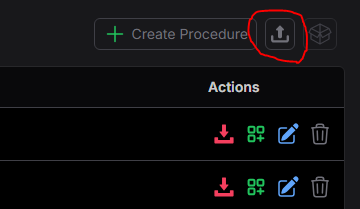
Procedures can be loaded by clicking the upload / import button in the top right of the procedures library. This supports MACAT TOML files.
Reference
See MACATable TOML Format for the full specification of procedure and simulation file formats.