Appearance
Browsing Library Procedures
- Library procedures are accessed by clicking the folder icon in the left nav
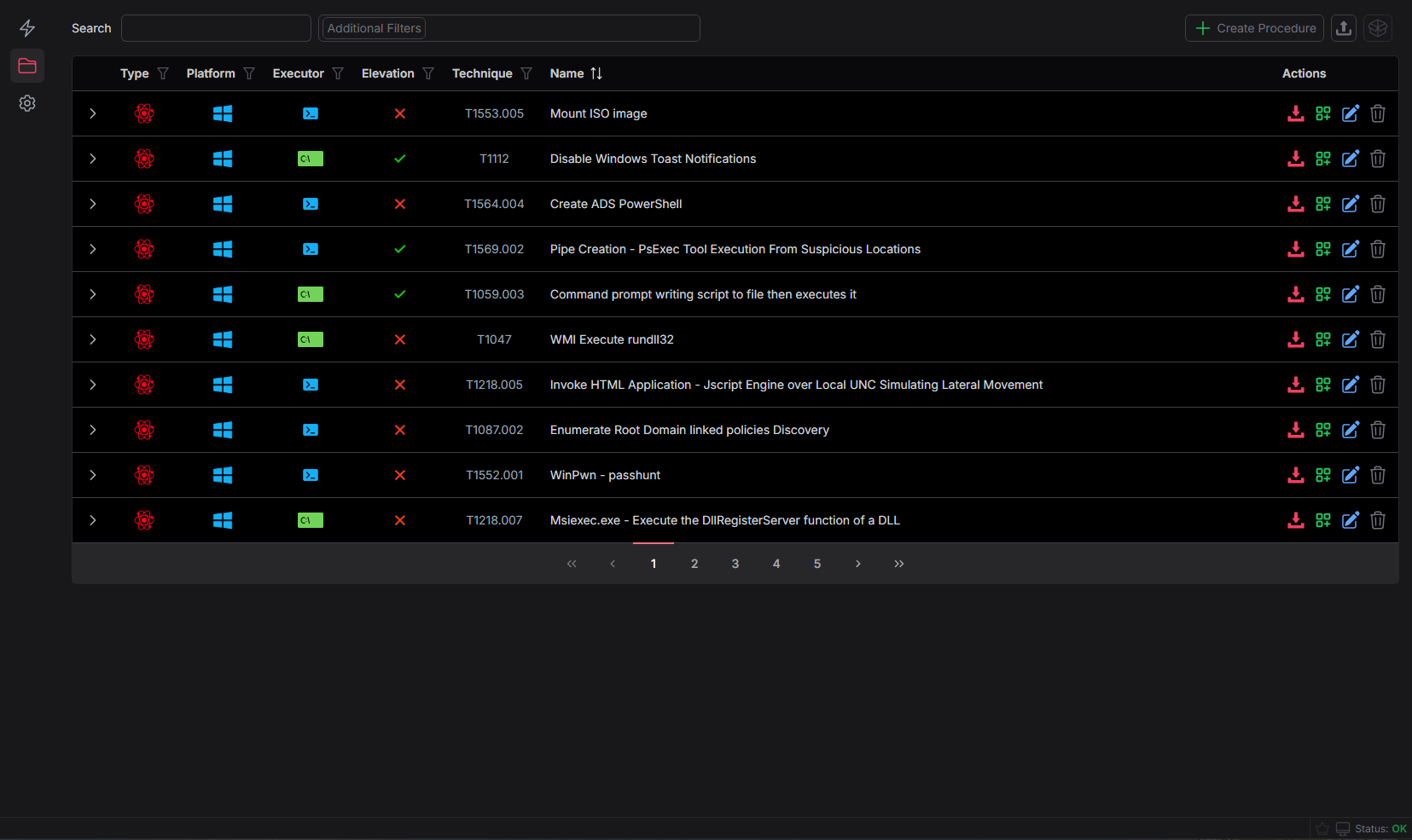
- Many of the procedure fields can be sorted on or searched to manage your procedure content
- Clicking the
Additional Filtersbutton will allow you to filter on Tags, Threat Profiles, and Defense Tool Types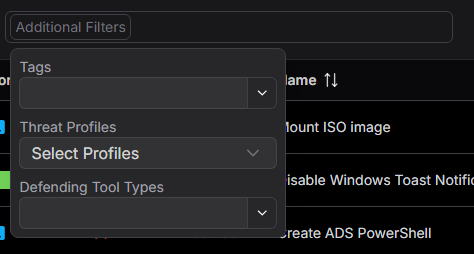
- Procedures are modified or deleted from this screen
- Additional documentation is available for sharing library procedure data in the Sharing - Library Procedures section
Editing Existing Procedures
- Clicking the blue edit button on the right side of the procedure library table will allow you to modify existing procedures