Appearance
Setting up an API Key in VECTR
- Login to VECTR with a well-permissioned account. Your user will need the ability to create data in the library and local env.
- Navigate to
User > Profileand then click theAPI Keystab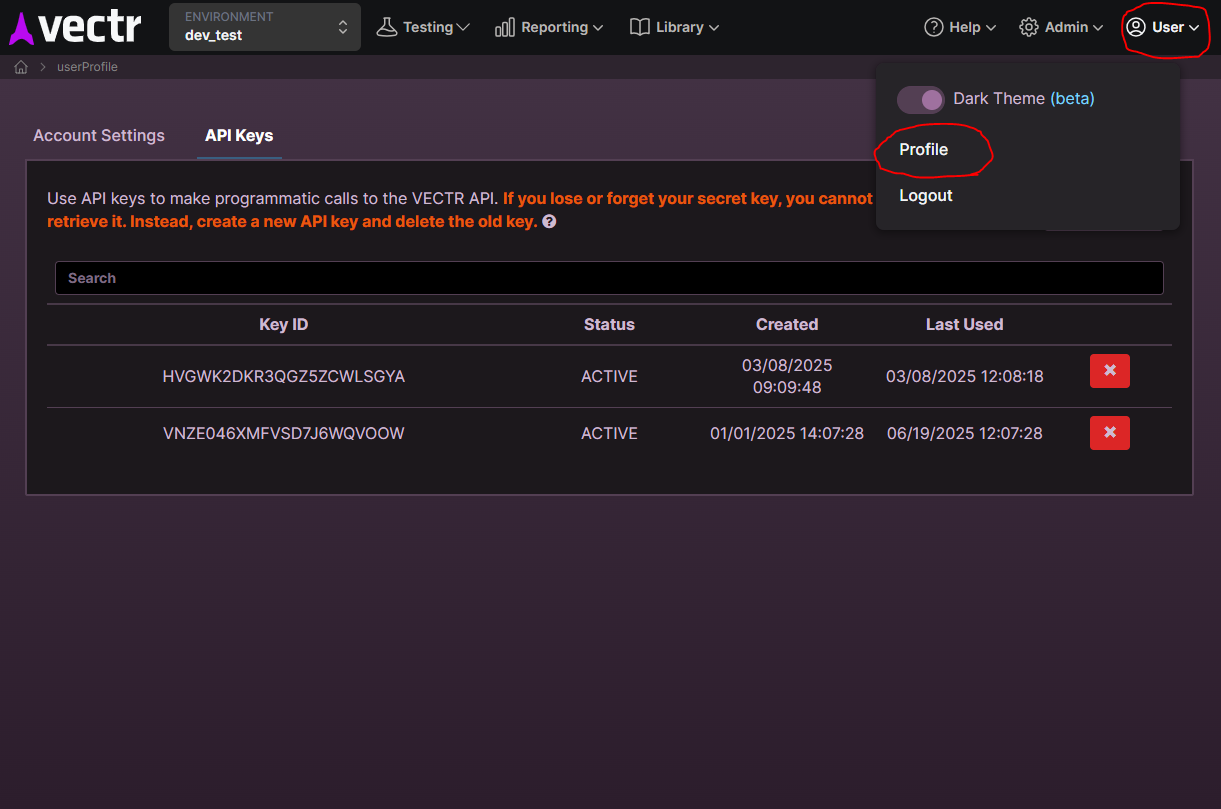
- From here, click the
Create API Keybutton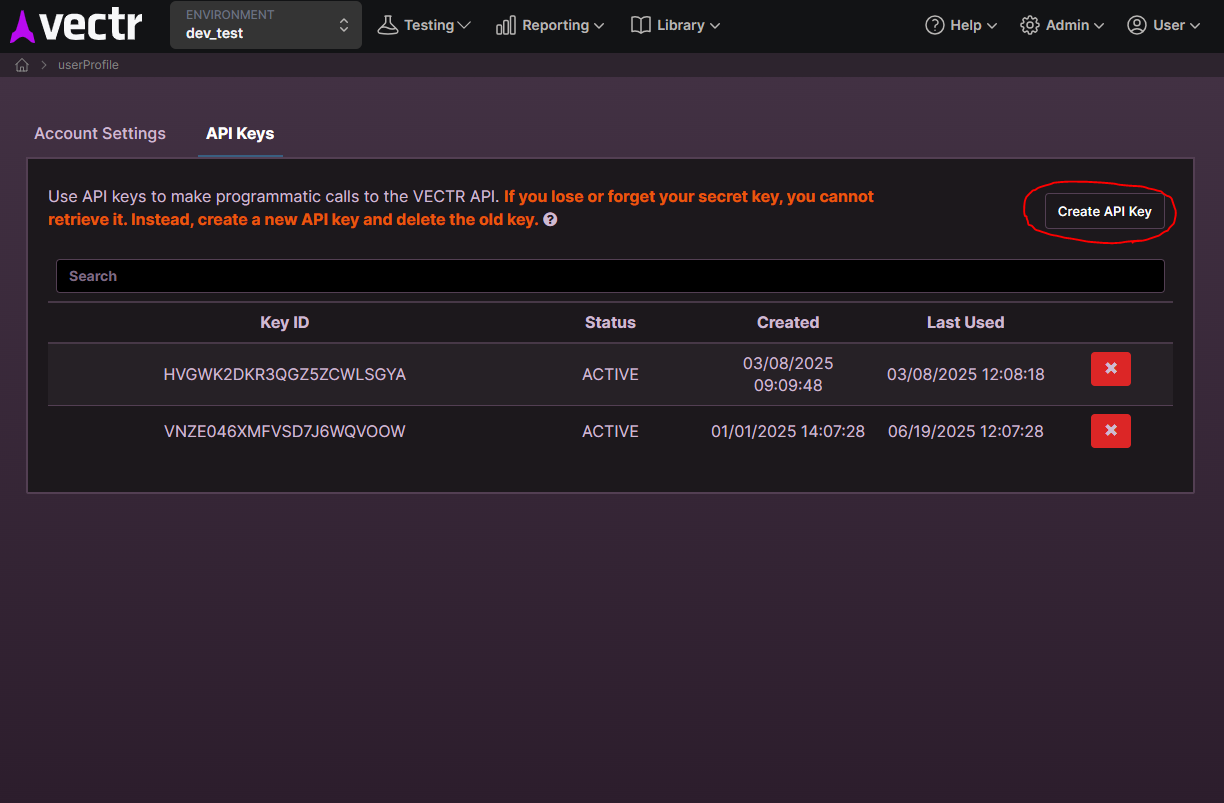
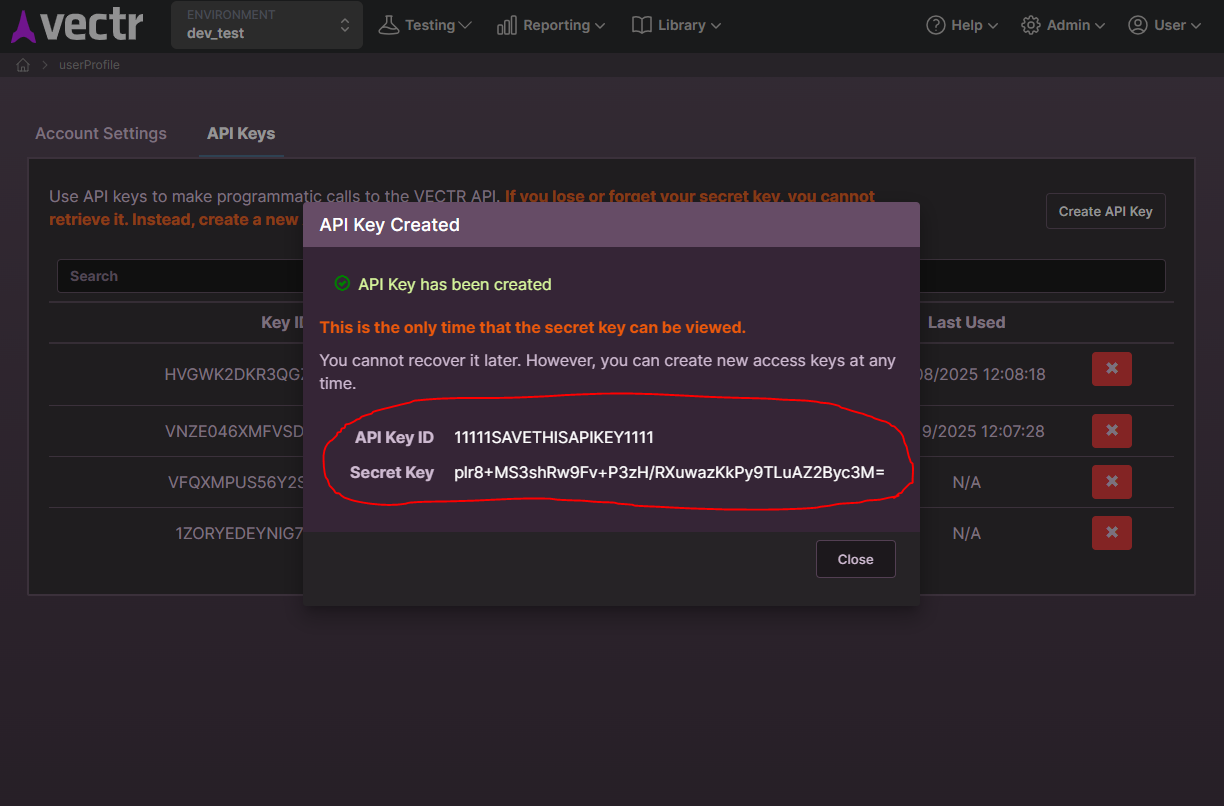
- Save all information from the ensuing dialog to a safe location. You'll need both the Key ID and Secret for MACAT.
Configuring MACAT
Caution
Make sure you have an Assessment created in VECTR which will contain your MACAT tests. The integration won't work without an Assessment.
- Click the MACAT Settings Icon

- Navigate to the
Integrationstab - Fill out the
VECTR Hostnameand port. The default value doesn't currently work (bug) so even if you intend to usesravectr.internal:8081, make sure you put it in the field. - Enter the saved Key ID and Secret into the corresponding fields in the VECTR integration form and if you're running VECTR with an insecure / self-signed certificate like the default installation, you'll need to toggle the control to turn on allowing these types of certificates.
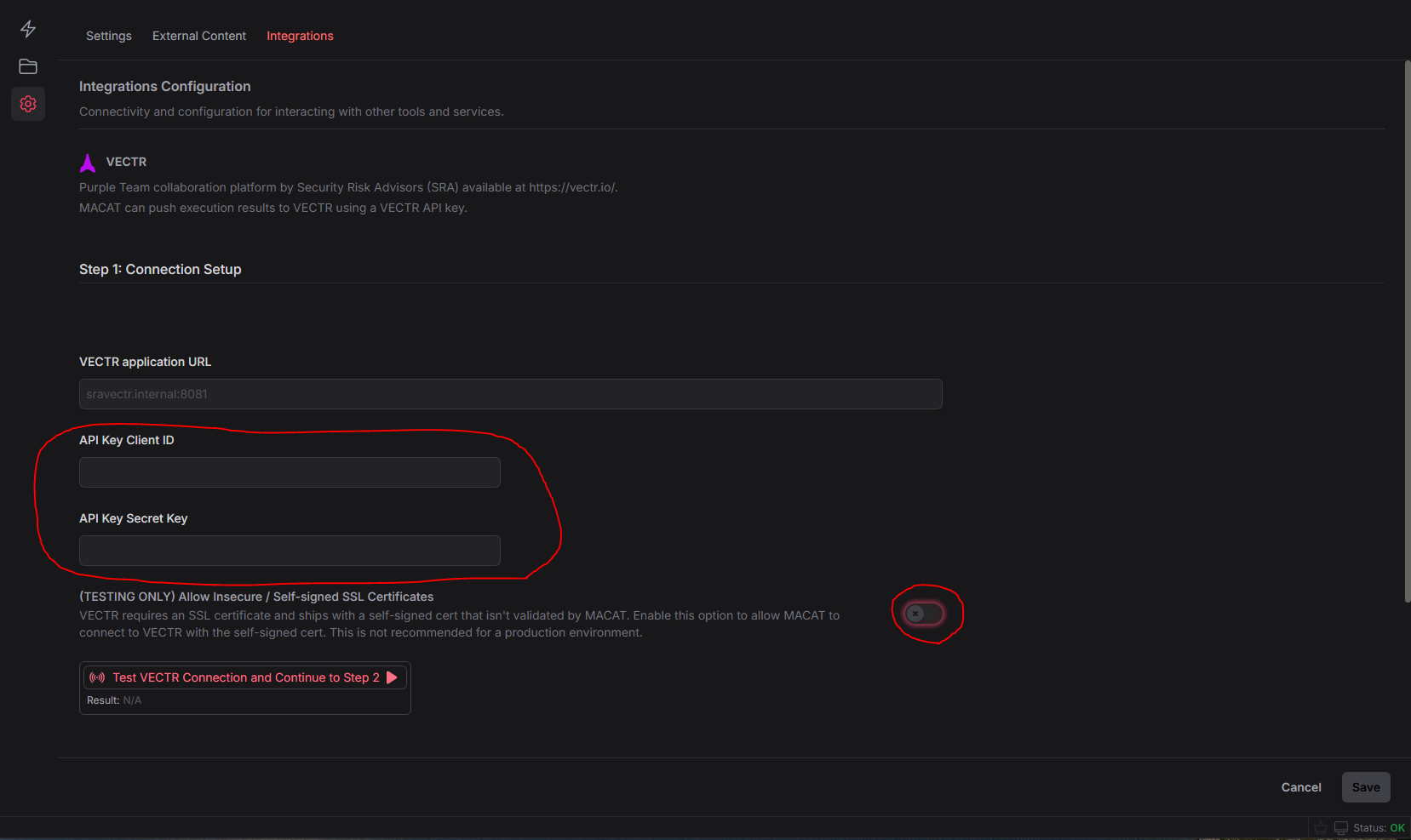
- Next click the
Test VECTR Connectionbutton. This will test the connection and then allow you to choose an Assessment target in VECTR.
- Once the VECTR Connection test completes successfully, you'll be presented with an option to select an Environment and an Assessment target. Select those now
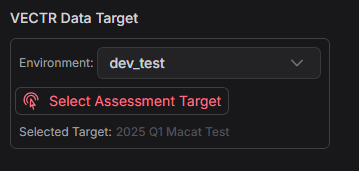
- When that's finished, click save and then you're ready to send MACAT execution results to VECTR
Sending Results to VECTR
- From MACAT's simulation screen, you can click the
Send Results to VECTRbutton from any completed Execution Log tab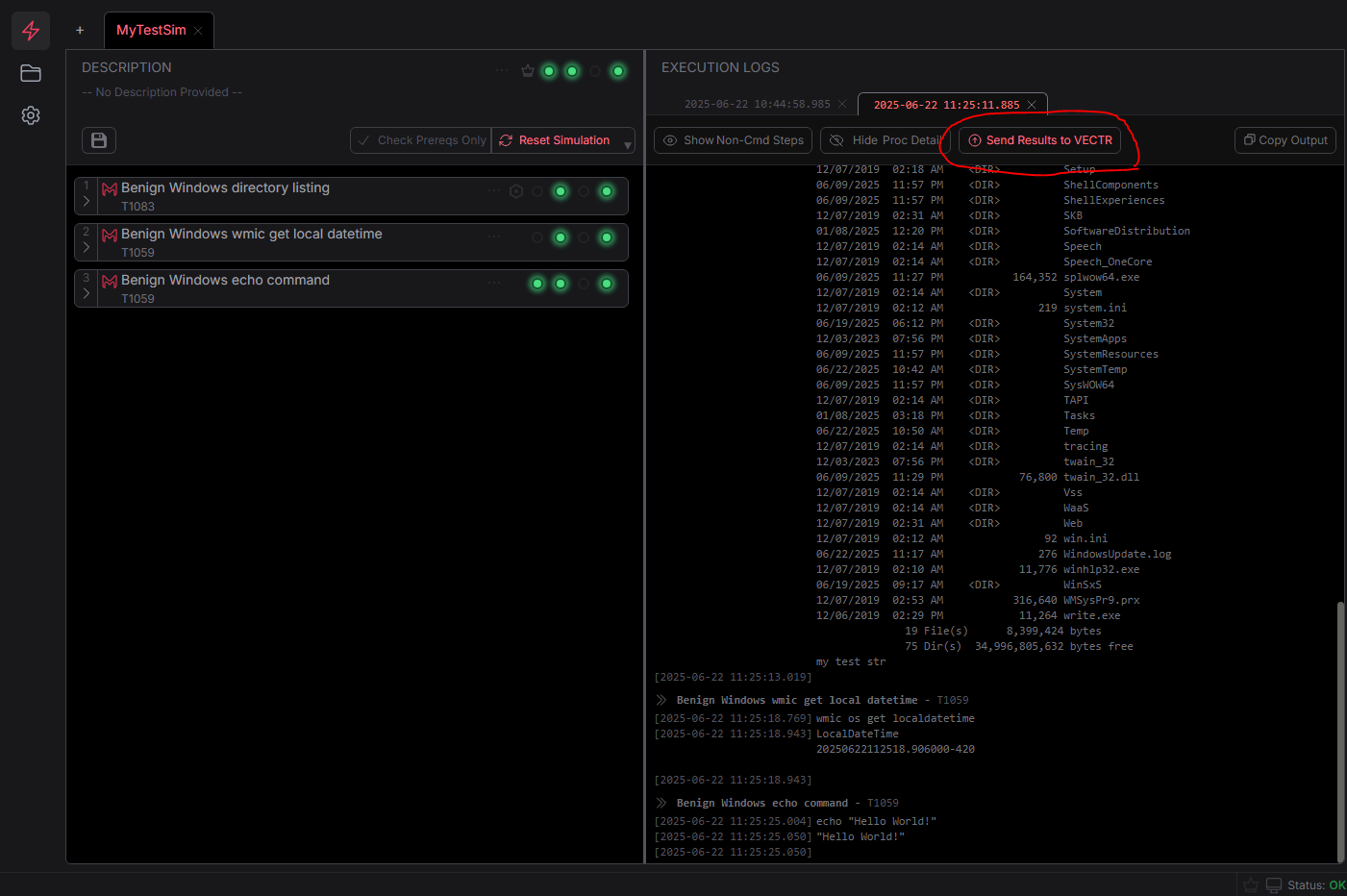
- In VECTR, a Campaign will be created with the name of your simulation and the current time and test cases will be added and appropriate time stamps for attack start and stop recorded
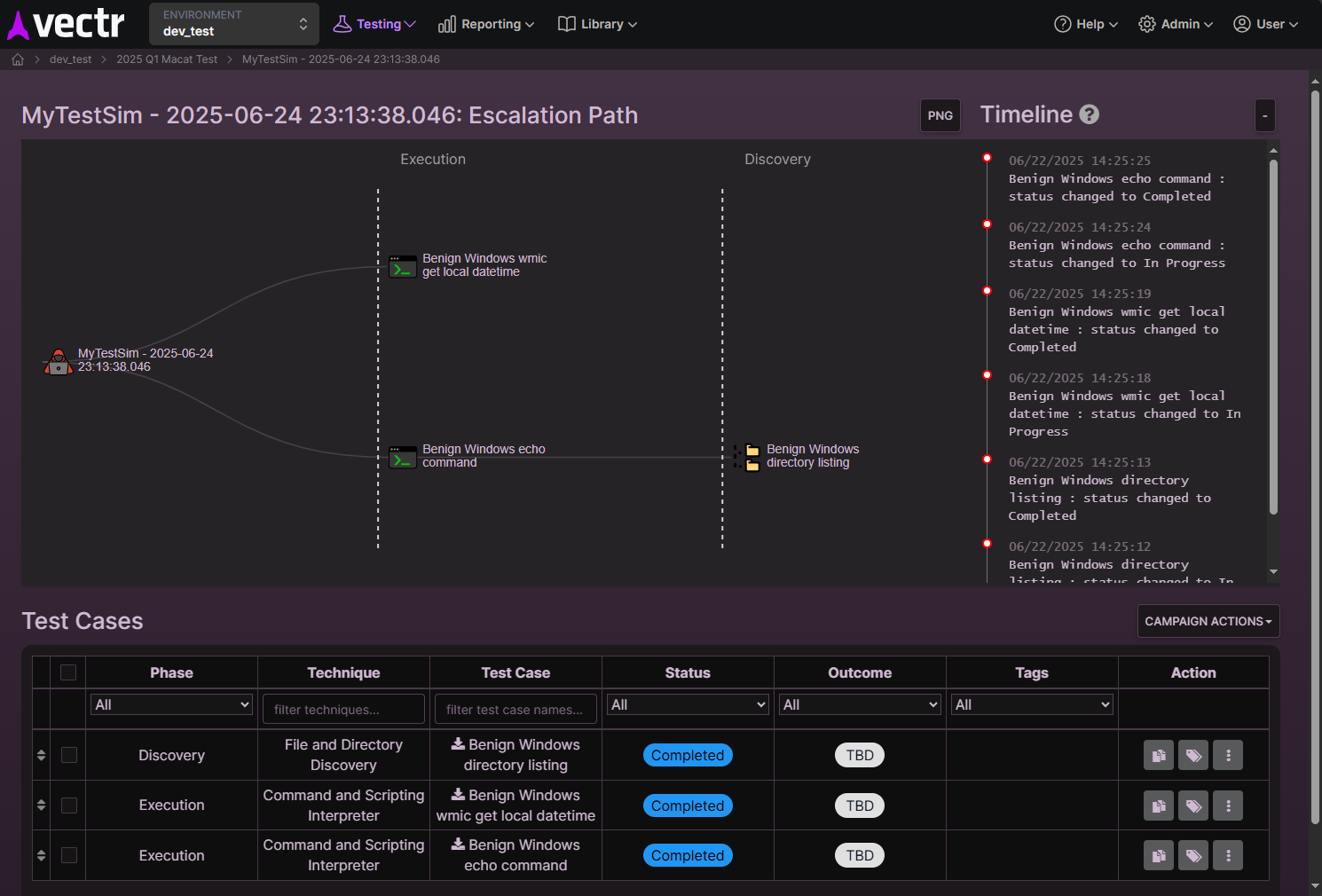
- Log output can be viewed in the
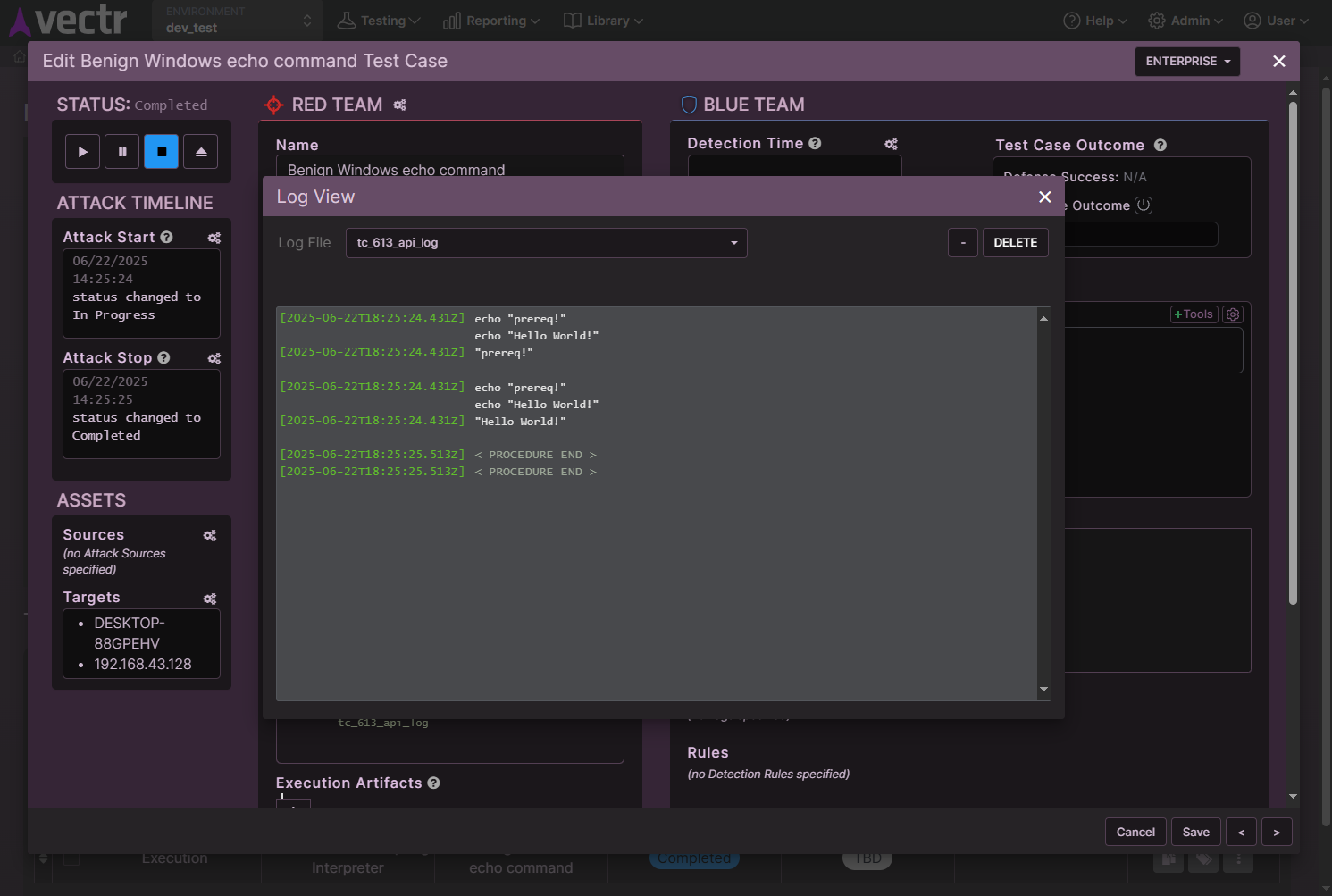
Logstab of theAutomationsection in a VECTR Test Case or from the Campaign Actions control on the Campaign screen. Clicking a log will show the output.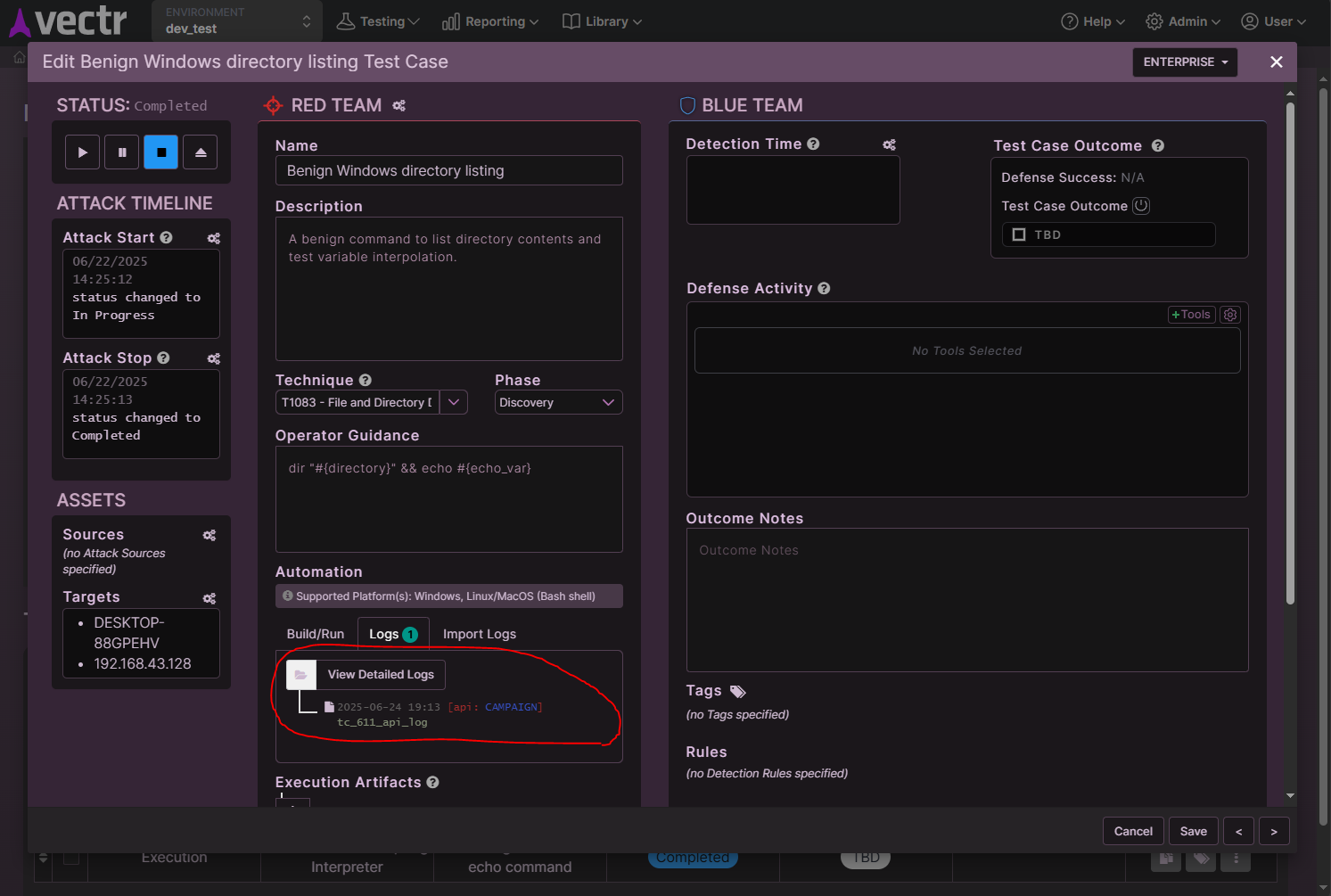
Notes
- Sending data to VECTR will create Campaigns and Test Cases
- In addition to local Environment Test Cases, it will also create templates for tracking the results of Test Cases over time
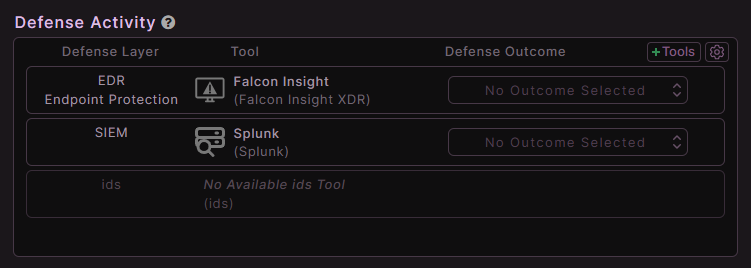
- Also note that if you set up the correct defense tools for your environment in VECTR AND have Defense Tool Types configured in your MACAT procedures, you'll see the tools pre-populated in VECTR Test Cases and ready for outcome recording