Appearance
Creating a new Procedure
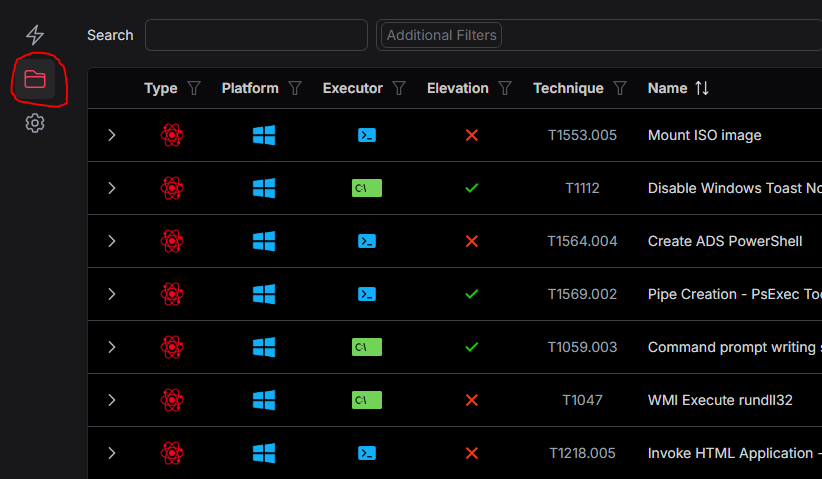
- Begin by clicking the Library Procedures icon that looks like a folder.
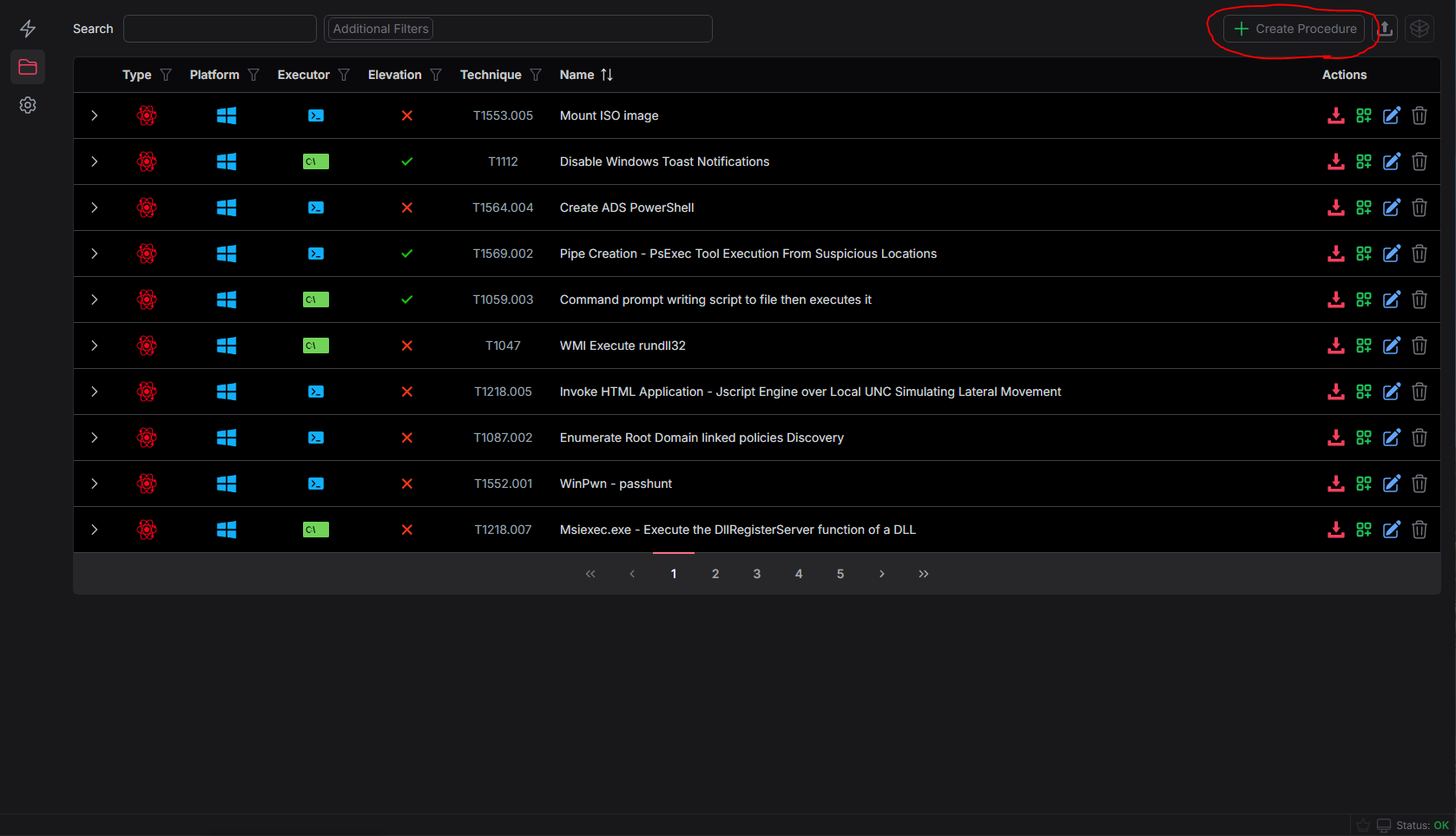
- Click the button to create a procedure in the top right of the procedures library
- Next, you'll be presented with a large web form for authoring procedures
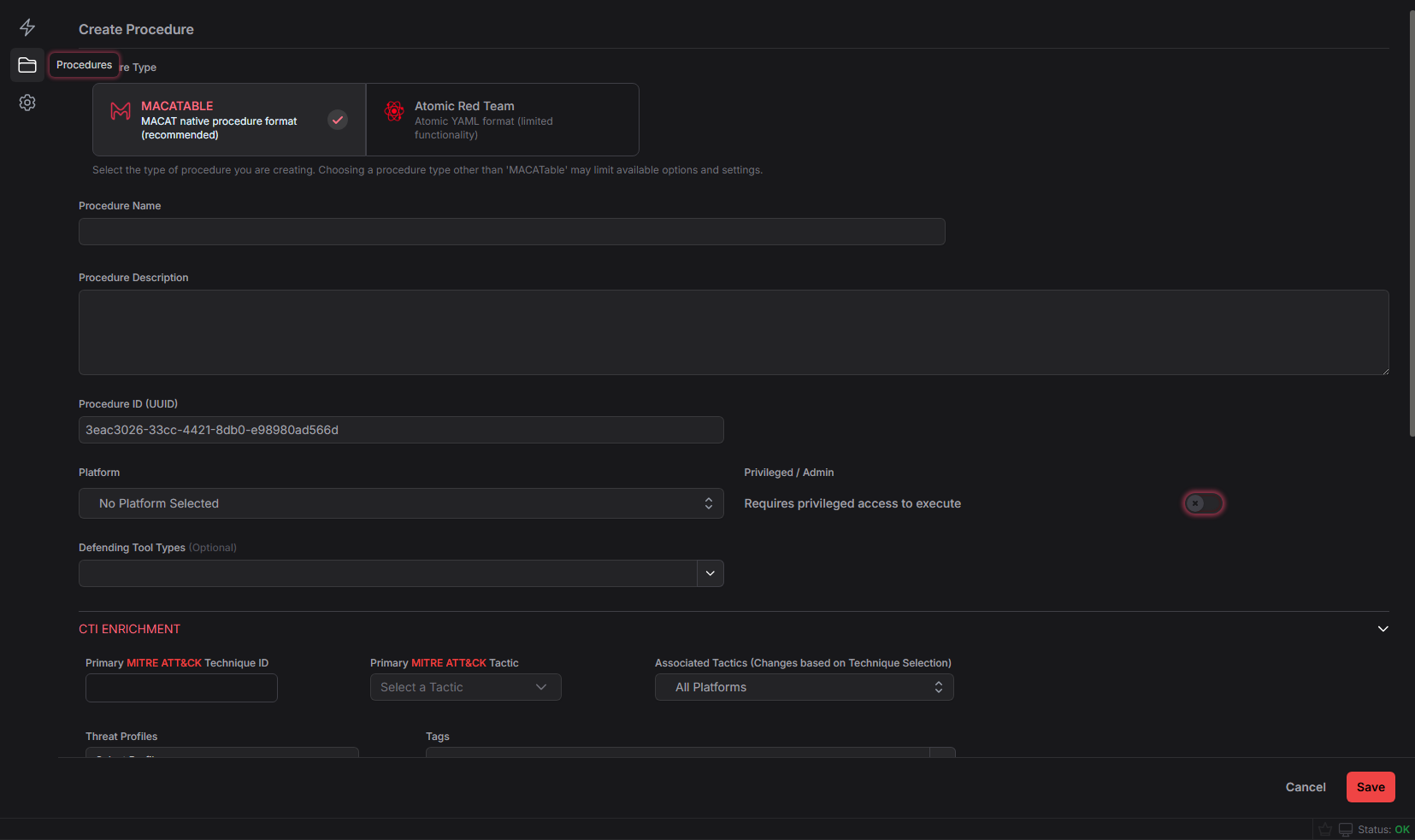
- This form defaults to the MACATABLE procedure format. I recommend sticking with this unless you're specifically looking to author Atomic Red Team atomics. If you select Atomic Red Team, some fields will be disabled as they're not supported.
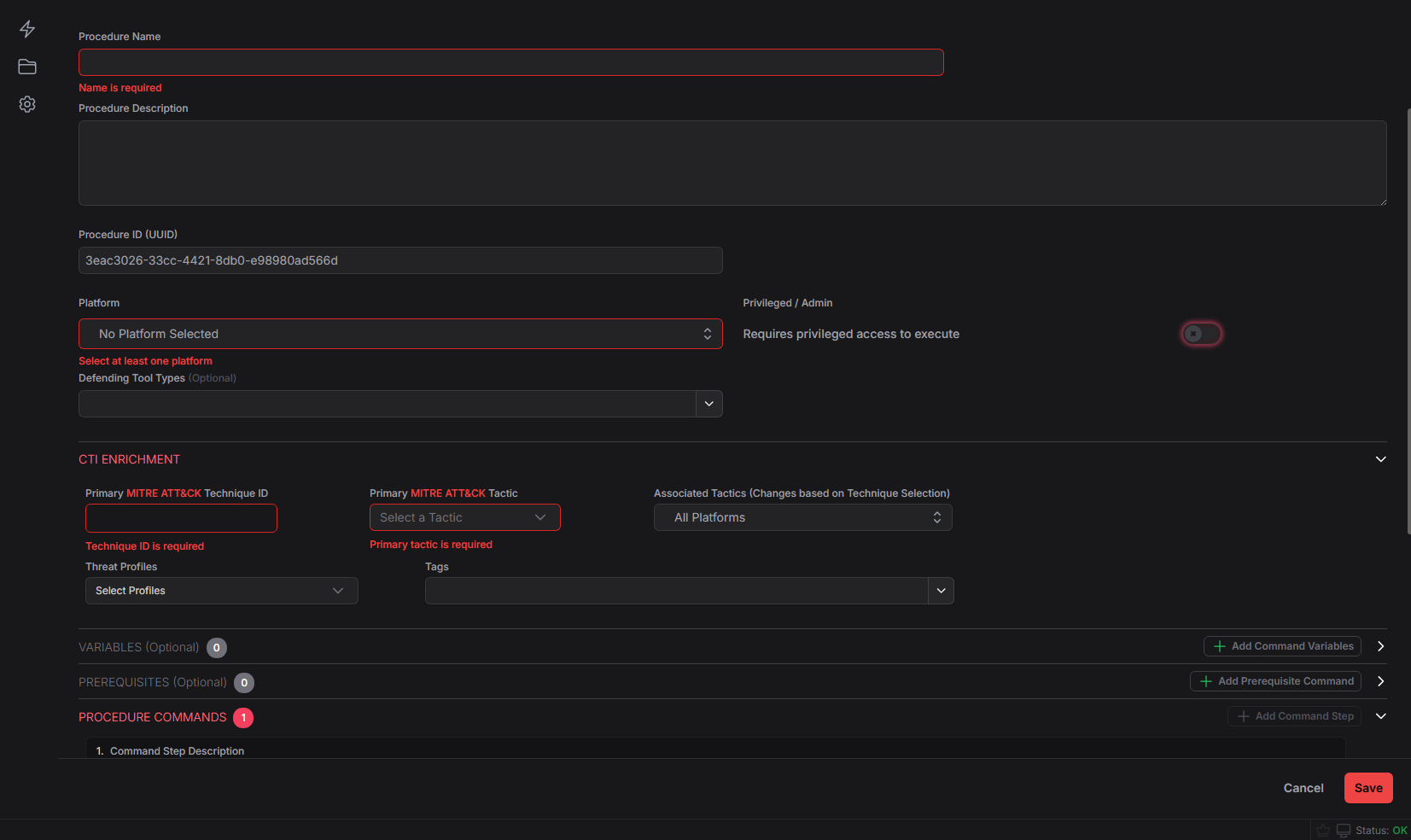
- Procedure name, Technique & Tactic, platforms, and at least 1 procedure command are required fields
- When you've finished writing your procedure, you can click test at the bottom and continue beyond the warning dialog to run the commands and see the output. Note that this will run the commands so make sure you want to do this.
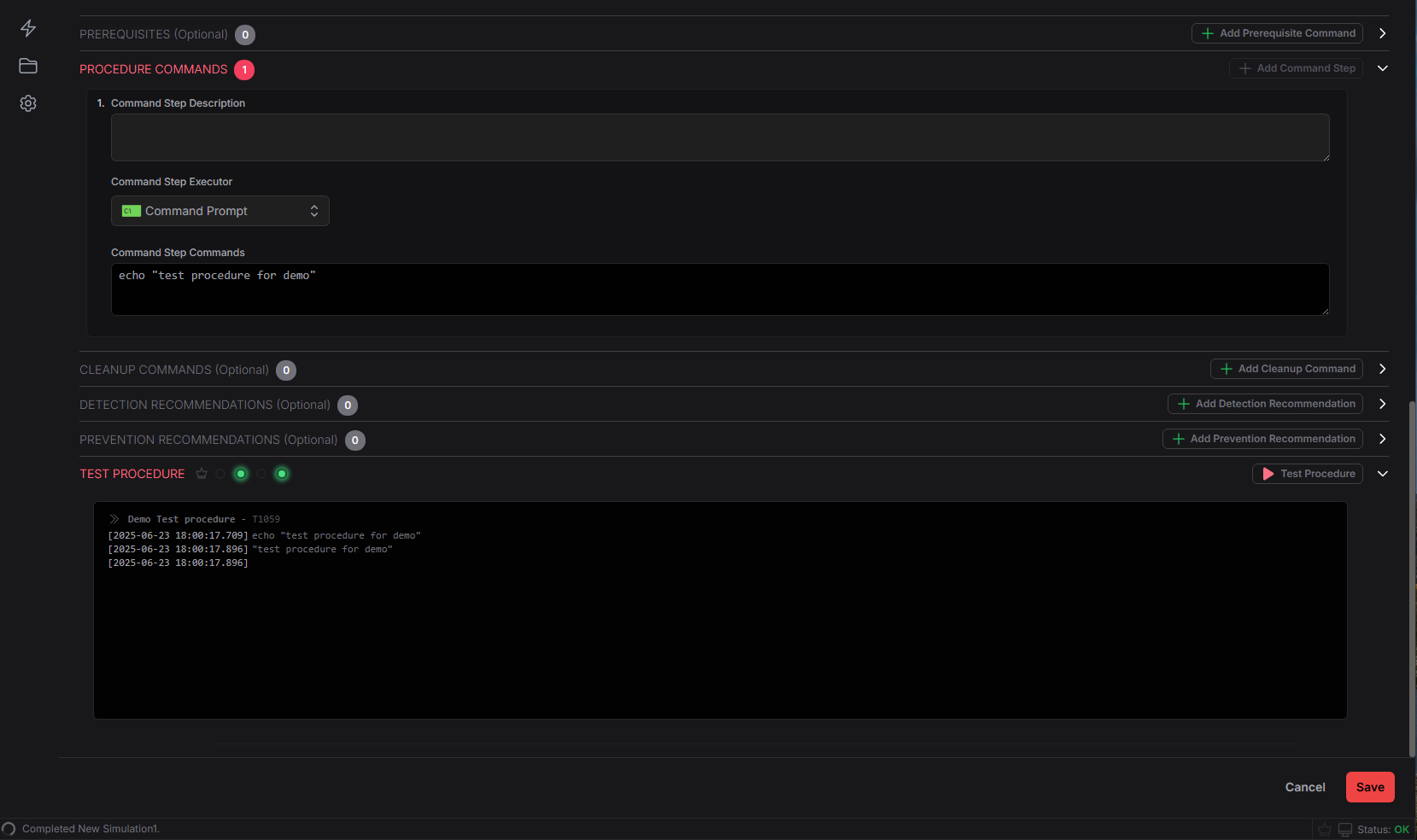
- Finally click save in the bottom right to save your procedure.
- In the future, you can also edit existing procedures from the library. I recommend NOT editing any existing atomic red team content as it will be overwritten by the automatic sync.
Procedure Creation Details
- MACAT's Threat Profiles come from the MITRE Enterprise ATT&CK CTI data. The identities follow the STIX
identity--<uuid>format and are populated using the latest CTI data. - Procedure tags can be anything you want to organize your procedures